
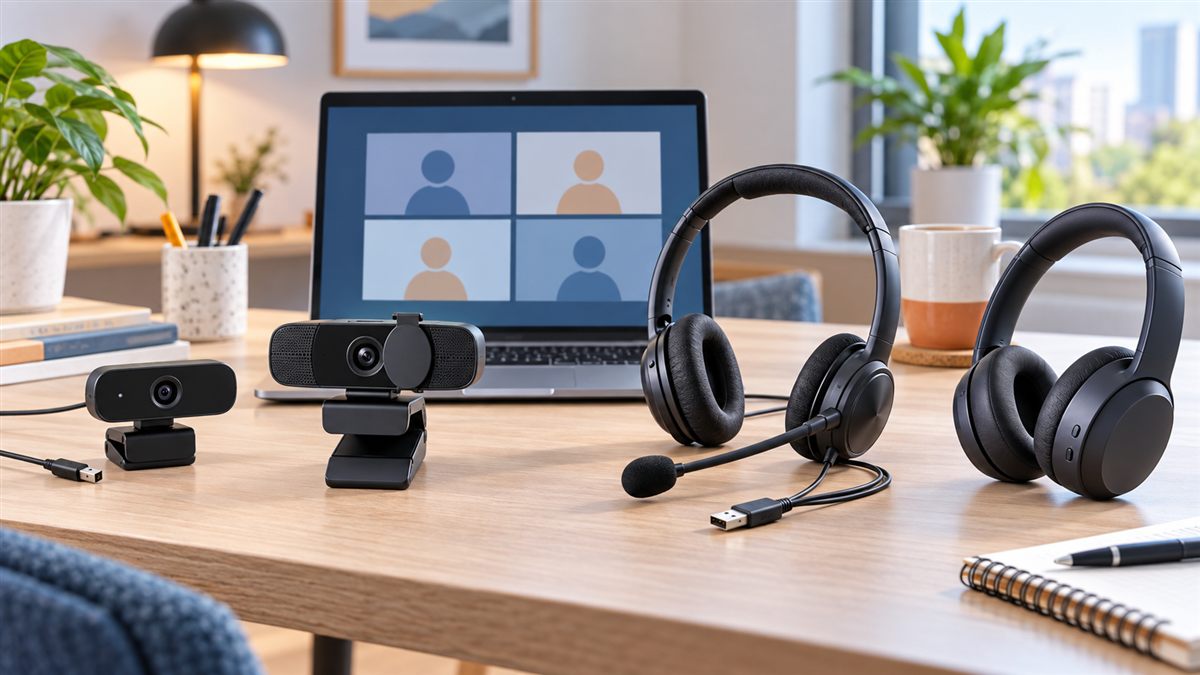

A clear webcam and dependable headset can improve video calls more than an expensive computer upgrade. For online classes, interviews, client meetings and home-office work, buyers should prioritise lighting, microphone clarity, connection type and privacy—not only the highest advertised resolution.
Quick Buying Guide
| Need | Good starting point | Check first |
|---|---|---|
| Online classes | 720p webcam plus wired headset | USB port and microphone comfort |
| Office video calls | 1080p webcam with autofocus plus USB headset | Privacy shutter and mute control |
| Interviews | 1080p webcam, front light and boom microphone | Eye-level mounting and test recording |
| Moving around during calls | Wireless headset | Battery, Bluetooth or receiver support |
720p vs 1080p vs 4K Webcam
720p can be sufficient for school portals and occasional calls when budget is the priority. 1080p is the practical sweet spot for most interviews, office meetings and teaching. 4K can help creators who crop or record high-detail video, but it usually costs more and may require better lighting, bandwidth and computer resources.
Resolution alone cannot fix a dark room. A modest webcam facing soft front light often looks better than a premium camera placed against a bright window.
Recommended Webcam Options
1. Logitech C270 — Basic 720p Choice
Logitech currently positions the C270 as a basic HD 720p video-calling webcam. It uses USB-A and is a sensible reference option for online classes and occasional calls where Full HD is not essential.
Check Logitech C270 options on Amazon India
Review Logitech’s current webcam range
2. Logitech C920e — Practical 1080p Office Option
Logitech’s C920e specification lists Full HD 1080p at 30 frames per second, autofocus, automatic light correction, a 78-degree field of view, USB-A connectivity and an attachable privacy shutter. Its two microphones may require supported software to enable or configure, so a dedicated headset is still safer for important calls.
Check Logitech C920e options on Amazon India
3. Generic 1080p Webcam with Privacy Cover
Lower-priced Full HD webcams can be useful, but confirm the real frame rate, focus type, microphone quality, cable length and return policy. A physical privacy cover is preferable to trusting only a software indicator.
Compare 1080p webcams with privacy shutters on Amazon India
4. Premium 4K Webcam — Only for Specific Needs
Logitech’s current Brio 4K information lists 4K at 30 fps, 1080p up to 60 fps, autofocus, adjustable fields of view and an attachable privacy shutter. This class makes sense for content creation, detailed demonstrations or cropping—not ordinary calls alone.
Compare 4K webcams on Amazon India
Recommended Headset Options
1. Logitech H390 — Simple USB Office Headset
Logitech describes the H390 as a plug-and-play USB headset with a boom microphone, inline volume and mute controls, 30 mm drivers and a 1.9-metre cable. Current versions may use USB-A or USB-C, so confirm the connector before ordering.
Check Logitech H390 options on Amazon India
Review the official Logitech H390 information
2. Budget USB Headset with Boom Microphone
A generic wired USB headset can avoid Bluetooth pairing and battery problems. Look for an accessible mute button, adjustable headband, replaceable ear cushions and a cable long enough for your desk.
Compare USB headsets with boom microphones on Amazon India
3. Bluetooth Headset — Convenient but Requires Testing
Wireless headsets give more movement, but Bluetooth profiles, battery condition and microphone switching can affect call quality. Confirm support for the operating system and conferencing application you use.
Compare Bluetooth headsets for video calls on Amazon India
JioPC and Linux Compatibility Checks
- Confirm that the webcam and headset support standard USB audio/video functions without mandatory Windows-only software.
- Match USB-A or USB-C to the available port; do not assume an adapter is included.
- Test camera, microphone, speaker output and mute controls in the actual browser and meeting application.
- Remember that advanced configuration software may not support Ubuntu Linux even if basic calling functions work.
- For television or set-top-box use, verify webcam and audio-device support separately; a working keyboard does not prove a webcam will work.
Read our JioPC vs Budget Laptop guide and keyboard and mouse buying guide before completing the setup.
Five Improvements That Cost Less Than a New Camera
- Place the camera at eye level.
- Face a window or soft lamp instead of sitting with the light behind you.
- Use headphones to prevent echo.
- Keep the microphone close to your mouth but outside your breathing path.
- Run a test recording before an interview, class or client meeting.
APICSTOCK Verdict
For most home-office buyers, a dependable 1080p USB webcam and wired USB headset offer the best balance of clarity, simplicity and price. Students with occasional calls can start with 720p. Choose 4K or a wireless professional headset only when the additional capability solves a real requirement. Always prioritise lighting, microphone placement, privacy and verified compatibility over impressive marketing numbers.
Frequently Asked Questions
Is 720p enough for online classes?
Usually yes when lighting and internet quality are reasonable. Text demonstrations or professional presentations may benefit from 1080p.
Does a webcam microphone replace a headset?
It can work in a quiet room, but a boom microphone closer to the mouth is generally more dependable for important calls and noisy homes.
Should I buy USB-A or USB-C?
Choose the connector your computer provides. Confirm whether the product or package includes an adapter.
Will every webcam work with JioPC?
No. Basic USB video may work through a supported computer and browser, but software features and set-top-box support can differ. Test before relying on it.