
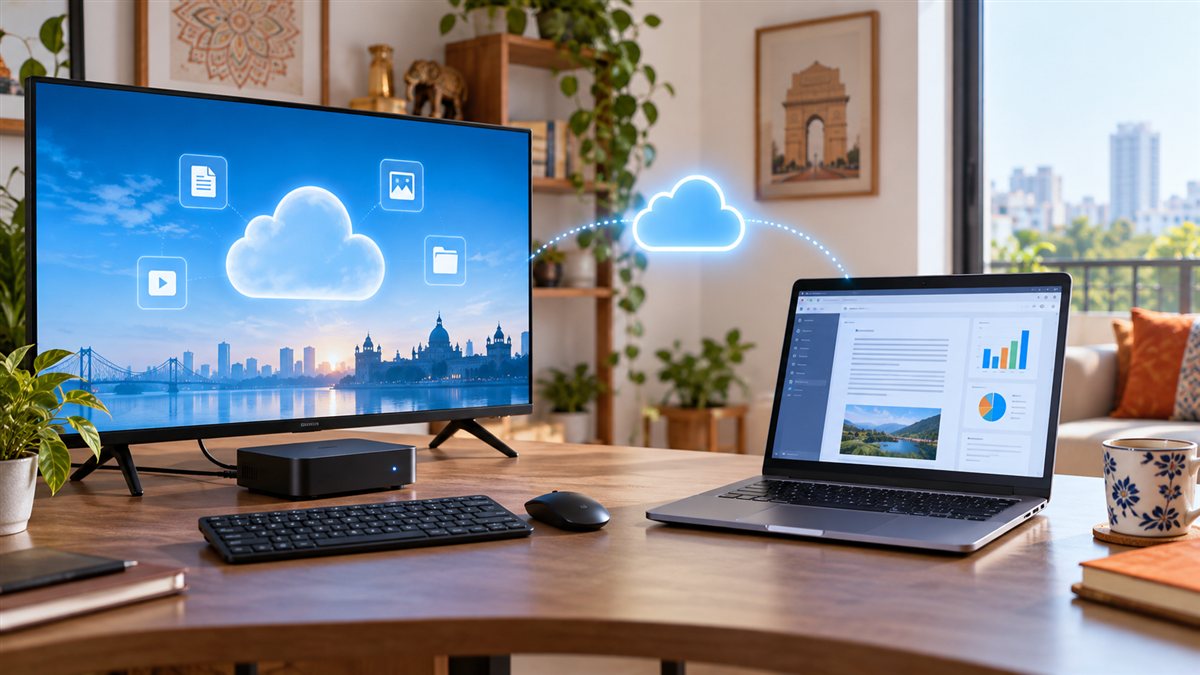

JioPC is a cloud computer delivered through the internet—not a physical desktop tower and not a replacement for every laptop. It can turn a compatible browser or a television connected to a Jio Set-Top Box into an Ubuntu-based workspace. This guide explains the real cost, requirements, advantages and limitations so Indian buyers can decide whether JioPC, a budget laptop or a gaming service fits them better.
What Is JioPC?
JioPC is a subscription-based virtual desktop. The processing and storage are provided from Jio’s cloud infrastructure, while you interact with the computer using a screen, keyboard, mouse and internet connection. Jio currently describes access through a supported web browser or through a Jio Set-Top Box connected to a TV or monitor.
The service uses Ubuntu Linux and includes common productivity options such as LibreOffice, a web browser and access to browser-based applications. Files are stored in the cloud rather than only on the local screen or set-top box.
Check current JioPC plans and requirements on Jio’s official website.
Current JioPC Plan Snapshot
When checked on 20 September 2026, Jio displayed an 8GB RAM and 500GB storage plan at ₹599 plus GST for one month. It also displayed longer-duration promotional plans. Jio’s broader information page mentions configurations up to 16GB RAM and 1TB storage, but actual availability can depend on the access method, account and current offer.
| Item | What to know |
|---|---|
| Operating system | Ubuntu Linux |
| Entry configuration displayed | 8GB RAM and 500GB storage |
| Monthly price observed | ₹599 plus GST |
| Browser access | Supported laptop or desktop browser with an active subscription |
| TV access | Jio Set-Top Box, TV or monitor, keyboard, mouse and eligible Jio connection |
This is an observed plan snapshot, not a price guarantee. Check taxes, validity, renewal conditions, storage duration and cancellation terms before paying.
JioPC vs Budget Laptop: Quick Comparison
| Decision point | JioPC | Budget laptop |
|---|---|---|
| Upfront cost | Lower if you already own the screen and accessories | Higher purchase cost |
| Ongoing cost | Subscription plus internet | No computer subscription, but repairs and upgrades are yours |
| Offline use | Very limited because the computer is cloud-delivered | Many installed applications and files can work offline |
| Software | Ubuntu and compatible web/Linux applications | Usually Windows on Indian retail models |
| Portability | Account access can move between supported screens, but depends on internet | Self-contained computer with battery, keyboard and display |
| Gaming | Not positioned as a dedicated Windows gaming PC | Depends on processor, graphics, cooling and game requirements |
What You Need to Use JioPC
Using a television
- An active eligible JioFiber or JioAirFiber connection and Jio Set-Top Box.
- A TV or monitor connected to the set-top box.
- A compatible USB or Bluetooth keyboard and mouse.
- An active JioPC subscription after any trial or welcome offer ends.
Using an existing computer
- A laptop or desktop capable of running a supported modern browser.
- A stable broadband connection; Jio says browser access can work on other internet connections.
- An active JioPC subscription.
Check wireless keyboard and mouse combinations on Amazon India
Check Bluetooth keyboard and mouse combinations on Amazon India
Before buying, confirm whether the accessory uses USB-A, Bluetooth or a proprietary receiver and whether that connection is supported by your television, set-top box or existing computer.
Is JioPC Good for Students?
It can be useful for browsing, school portals, documents, presentations, email and online learning when a family already has a compatible television or old computer. The main risk is internet dependence. Students who regularly work without reliable broadband, need specialised Windows-only software or must carry a computer outside the home may be better served by a laptop.
Can JioPC Be Used for Office Work?
It can cover web-based communication, documents, spreadsheets, presentations and many browser applications. Before relying on it for business, test printer support, scanners, digital signatures, accounting tools, VPN requirements, video calls, file exchange and any Windows-only application used by your organisation.
Is JioPC a Gaming PC?
No—not in the usual meaning of a gaming PC. JioPC is promoted primarily for work, learning and creation. It does not give the buyer a local Windows gaming computer with a dedicated graphics card. Linux compatibility, virtual-desktop restrictions, latency and peripheral support can affect games.
JioGames Cloud is a separate gaming service that streams supported games. Cloud gaming can reduce the need for expensive local graphics hardware, but responsiveness and visual quality still depend heavily on broadband speed, stability, latency, Wi-Fi conditions and the particular game catalogue.
Readers planning a gaming setup should separately evaluate a gaming laptop, desktop or supported cloud-gaming service. JioPC should not be purchased on the assumption that every Windows PC game will run.
Who Should Consider JioPC?
- Families that already own a television, Jio Set-Top Box, keyboard and mouse.
- Students who mainly need a browser, documents and online-learning tools.
- People with an old computer who want a managed cloud workspace.
- Users who prefer a subscription instead of purchasing and maintaining another computer.
Who Should Probably Choose a Laptop or Desktop?
- People who need dependable offline access.
- Users who require Windows-only professional or accounting software.
- Gamers expecting a dedicated GPU and broad PC-game compatibility.
- Video editors or designers who need confirmed support for specialist applications and peripherals.
- Travellers who need a self-contained screen, battery, keyboard and local storage.
Calculate the Real Cost Before Subscribing
Do not compare only ₹599 with the full price of a laptop. Add the subscription period, GST, internet plan, keyboard, mouse, screen or TV, power usage and any storage terms. Also consider what happens if the subscription ends. A laptop costs more initially but remains owned hardware; JioPC lowers the entry barrier but remains a service.
Seven Checks Before Choosing JioPC
- Confirm eligibility: Check whether you will use the browser version or Jio Set-Top Box version.
- Check the exact plan: Verify RAM, storage, validity, GST and renewal price.
- Test your internet: Stability and latency matter, not only advertised download speed.
- List your required applications: Confirm Linux or browser compatibility.
- Check peripherals: Verify printers, scanners, webcams, microphones and storage devices.
- Protect your account: Use a strong unique password and never share an OTP.
- Compare total cost: Calculate at least one year of subscription and accessory costs against a suitable laptop.
APICSTOCK Verdict
JioPC can be a practical low-entry-cost computer for households that already have a suitable screen, reliable internet and modest productivity needs. It is most convincing for browser-based learning and office tasks—not as an automatic substitute for a portable laptop, specialised Windows workstation or dedicated gaming PC.
Try the available experience with your actual internet, applications and accessories before committing to a long plan. For more product comparisons and practical buyer checks, visit the APICSTOCK Guides & Articles hub.
Frequently Asked Questions
Does JioPC include a physical computer?
No. JioPC is a cloud-delivered virtual desktop service. You still need a compatible screen and input devices.
Can JioPC work without the internet?
The core computer runs remotely, so a working internet connection is essential.
Can JioPC run every Windows application?
No. JioPC uses Ubuntu Linux. Check each required application, browser workflow and peripheral before subscribing.
Is JioPC the same as JioGames Cloud?
No. JioPC provides a general cloud desktop, while JioGames Cloud is a separate game-streaming service with its own supported catalogue and conditions.
Is JioPC cheaper than a laptop?
It has a lower starting cost when you already own the required screen and accessories. Long-term value depends on subscription duration, GST, internet cost, accessory purchases and whether it meets all your software needs.