
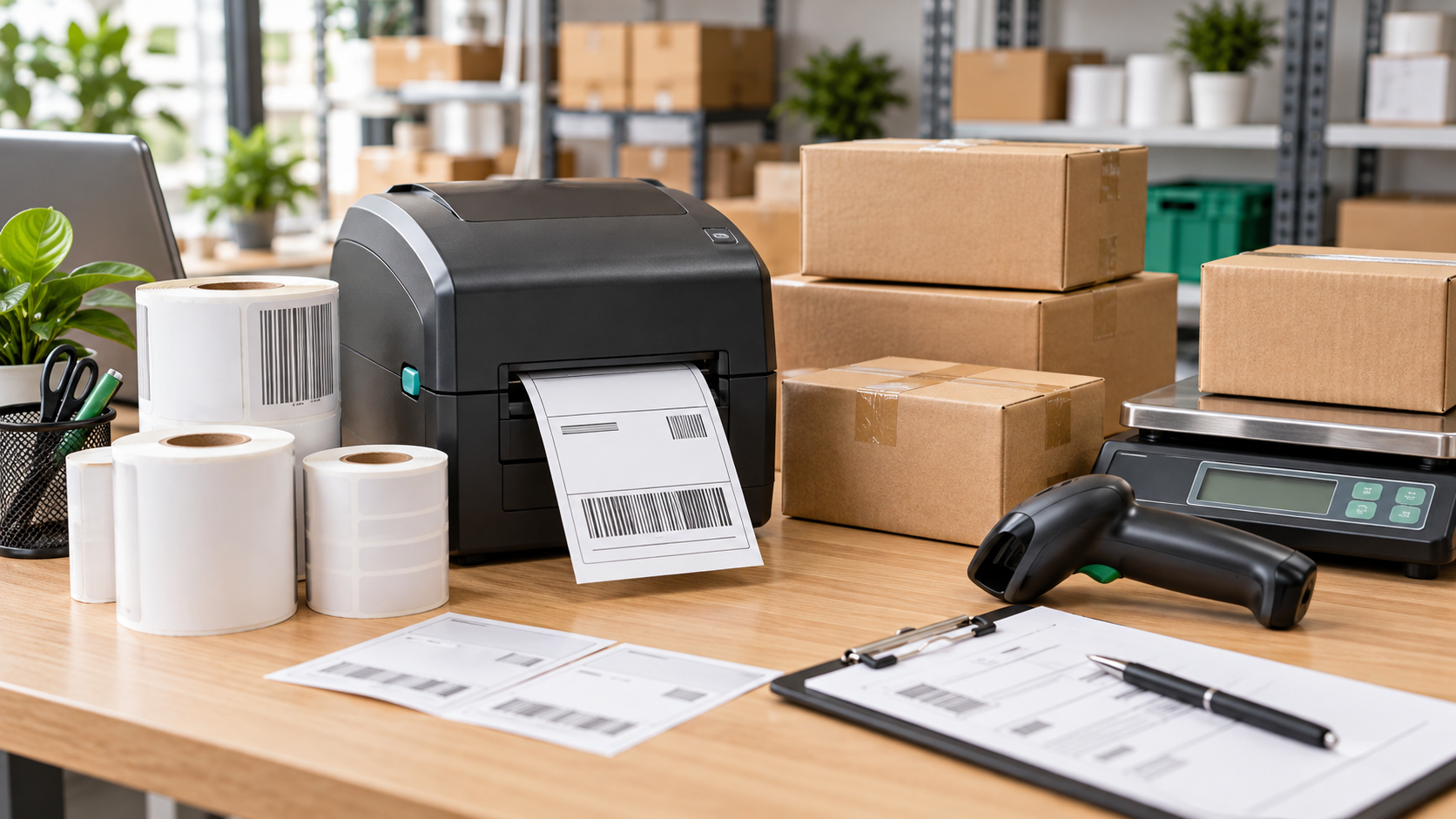

Thermal rolls and shipping labels are essential consumables for Indian online sellers, retail counters, warehouses and small dispatch teams. Buying the wrong width, core size, label format or thermal type can cause wasted stock, poor barcode scans and printer jams. This guide explains the checks to make before ordering.
Reviewed: 19 September 2026. Product availability, pack quantity, seller, price and specifications can change. Confirm every detail on the live listing before purchase.
Affiliate disclosure: APICSTOCK may earn from qualifying purchases through eligible Amazon links, at no additional cost to you. Amazon controls prices, sellers, availability, delivery and policies.
Thermal Rolls and Shipping Labels: Quick Selector
| Supply type | Typical use | Main compatibility check |
|---|---|---|
| Direct-thermal shipping labels | Courier and marketplace address labels | Printer media width, label size and sensing method |
| Direct-thermal barcode labels | SKU, inventory and shelf labels | Label dimensions, adhesive and barcode readability |
| Thermal-transfer labels | Longer-life warehouse or product labels | Printer ribbon support and matching ribbon type |
| Thermal paper rolls | POS receipts and billing machines | Paper width, roll diameter, core and printer specification |
This table describes common uses, not universal compatibility. Always follow the printer manufacturer’s media specification.
1. Identify Your Printer Technology First
Direct thermal printers create an image on heat-sensitive media and normally do not use an ink or toner cartridge. They are common for short-life shipping and barcode labels. Thermal-transfer printers use a ribbon to transfer the image to the label and may suit labels that need greater durability. A POS thermal printer generally prints on a continuous receipt roll rather than a die-cut adhesive label.
Do not buy only because a listing says “thermal.” Check the exact printer model, supported media type, maximum print width, roll diameter, core requirement and sensor arrangement.
2. Choose the Correct Label or Roll Size
Shipping labels
A 4 × 6 inch format is widely used for shipping workflows, but it is not a promise that every courier, marketplace or printer uses that format. Check the label PDF produced by your platform and the media width supported by your printer. If the file is A4, confirm whether your workflow can generate a thermal-label format before buying rolls.
Compare 4 × 6 direct-thermal shipping labels on Amazon
Barcode and inventory labels
Smaller labels may suit product SKUs, bins, shelves and internal inventory. Match the label width and height to the amount of text, barcode quiet zone and scan distance. Test a small batch before purchasing bulk stock.
Compare direct-thermal barcode label rolls on Amazon
POS and receipt rolls
Common receipt-printer widths include 58 mm and 80 mm, but the correct size depends entirely on the machine. Confirm width, maximum outer diameter, core, paper length and whether the roll is thermal paper. A roll that is too wide or too large may not fit even if the paper type is correct.
Compare 80 mm thermal paper rolls on Amazon
Compare 58 mm thermal paper rolls on Amazon
3. Check Adhesive, Material and Storage
- Packaging surface: Cardboard, plastic mailers and textured cartons may require different adhesive performance.
- Storage conditions: Heat, direct sunlight, moisture and friction can affect thermal media. Follow the supplier’s storage guidance.
- Handling time: A short dispatch label and a long-life warehouse label have different durability needs.
- Removability: Permanent adhesive may be appropriate for parcels but unsuitable for reusable bins.
- Paper sensitivity: Avoid assuming all thermal media will remain readable for the same period.
4. Verify Roll Direction and Printer Sensing
Labels may be wound face-in or face-out, and printers may use gap, black-mark or continuous-media sensing. Confirm the required orientation and sensing method in the printer manual or on an existing compatible roll. Also verify whether the printer accepts rolls internally or needs an external holder.
5. Calculate the Pack Quantity You Actually Need
Estimate average daily orders, labels used per order and the number of operating days. Add a modest buffer for reprints and seasonal peaks, but avoid buying excessive stock before testing compatibility and print quality. Compare listings using the actual label count or paper length—not only the number of rolls in the pack.
6. Test Barcode and Address Readability
Print a sample using the real courier or marketplace file. Check that the address, PIN code and tracking number are clear. Scan the barcode with the devices used in your workflow. If the print is faint or distorted, review darkness, speed, media calibration, label quality and print-head condition before processing a full batch.
Seller Checklist Before Ordering
- Record the exact printer brand and model.
- Confirm direct thermal, thermal transfer or receipt-paper use.
- Match width, height, roll diameter and core size.
- Check gap, black-mark or continuous sensing.
- Verify roll direction and internal or external roll placement.
- Confirm adhesive suitability for the packaging surface.
- Compare label count, paper length and pack quantity.
- Check seller, delivery date, replacement policy and recent verified reviews.
- Order a test quantity before a large repeat purchase.
Build a Practical Dispatch Station
Compatible thermal rolls and shipping labels work best as part of a simple packing station with a thermal printer, weighing scale, tape, cutter, protective packaging and organised storage. Use the Amazon Seller Packing Station Setup guide to plan the full workflow, and compare options in the Best Thermal Label Printers guide.
For broader printer choices, see the Inkjet vs Laser Printers comparison and the Best Office Printers guide.
Frequently Asked Questions
Are all 4 × 6 labels compatible with every shipping-label printer?
No. Size alone does not establish compatibility. Confirm media width, roll or fanfold format, sensing method, roll direction, core and printer specification.
Can receipt-paper rolls be used as adhesive shipping labels?
No. A continuous receipt roll and an adhesive die-cut shipping-label roll are different supplies. Buy the media designed for the printer and task.
Do direct-thermal labels need ink or toner?
Direct-thermal printing normally uses heat-sensitive media without ink or toner. Confirm the technology of your specific printer before ordering.
Should a new seller buy labels in bulk?
Test a small quantity first. Bulk buying makes sense only after compatibility, print clarity, adhesive performance and monthly usage are known.
APICSTOCK Verdict
Buy thermal rolls and shipping labels by specification, not by headline discount. The safest order is the one that matches your printer technology, exact dimensions, sensing method, roll orientation, adhesive requirement and real dispatch volume. Recheck the live listing before payment.