
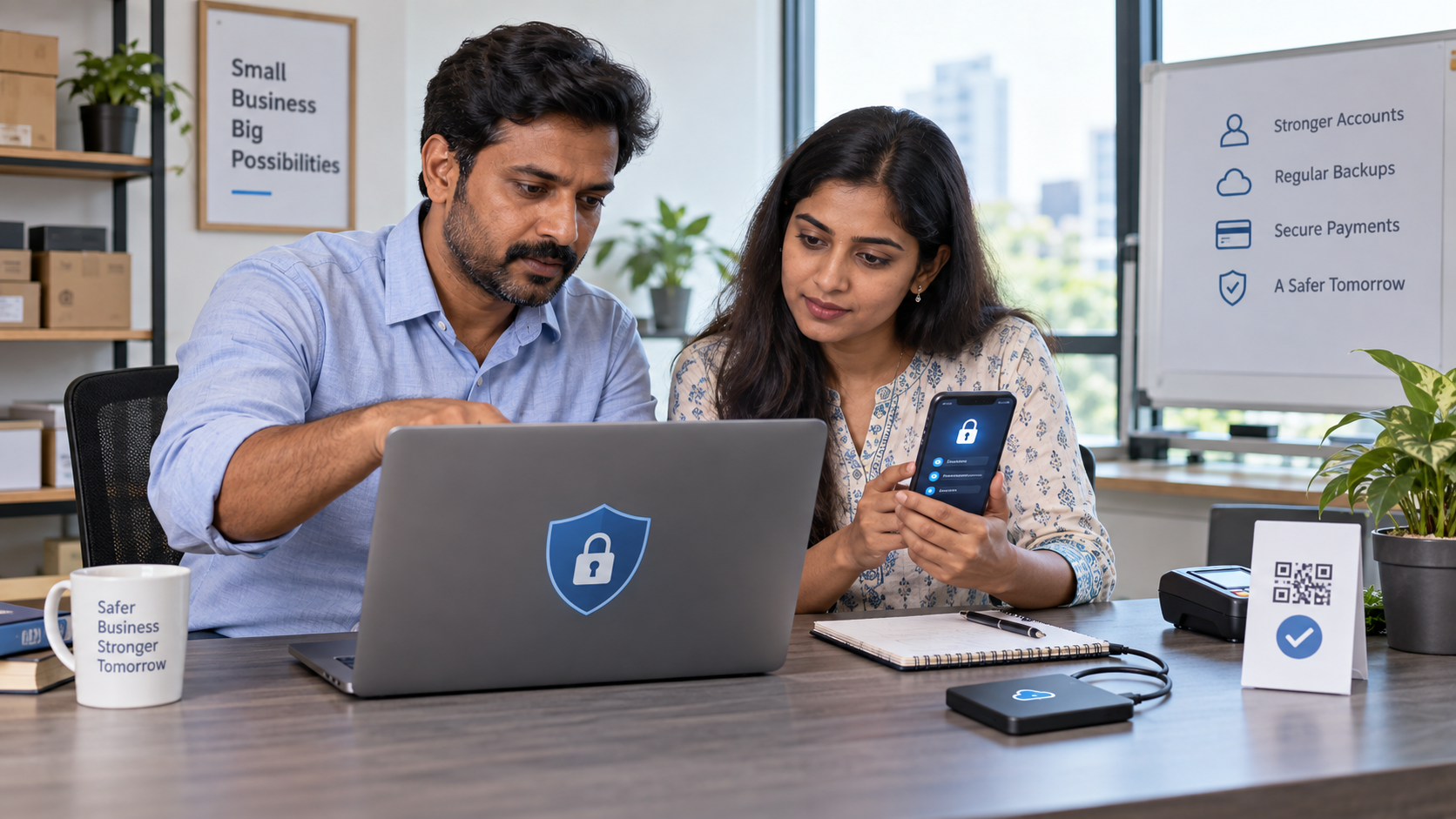

Cybersecurity for small businesses in India begins with a few disciplined controls: protect important accounts, update every device, verify payment requests, limit access and maintain recoverable backups. You do not need a large security department to reduce common risks, but you do need clear ownership and a rehearsed response plan.
This guide is defensive and educational. It does not teach intrusion, credential theft or bypass methods. The recommendations are based on current guidance from the Indian Computer Emergency Response Team (CERT-In), the Reserve Bank of India and the National Cyber Crime Reporting Portal.
Why small businesses are attractive targets
Attackers do not need to select a famous company. Automated phishing, password reuse, fake payment messages, malicious attachments, outdated websites and exposed remote-access tools can affect any organisation. One compromised email account can be used to change an invoice, impersonate the owner, steal customer information or reset other accounts.
CERT-In’s 2025 guidance for MSMEs highlights threats including ransomware, website defacement, data breaches, malware and denial-of-service attacks. Its baseline recommendations include multi-factor authentication, updates, access control, offline backups, restoration testing, monitoring, incident response and staff awareness.
The 10 most important cybersecurity controls
| Priority | Control | Risk reduced |
|---|---|---|
| 1 | Multi-factor authentication | Stolen-password takeover |
| 2 | Unique passwords and a password manager | Password reuse |
| 3 | Automatic security updates | Known vulnerabilities |
| 4 | Verified offline or isolated backups | Ransomware and accidental deletion |
| 5 | Least-privilege access | Insider and compromised-account damage |
| 6 | Payment-change verification | Invoice and UPI fraud |
| 7 | Email and messaging checks | Phishing and malware |
| 8 | Protected websites and domains | Defacement and domain theft |
| 9 | Device and network security | Lost-device and unsafe-Wi-Fi exposure |
| 10 | Incident-response plan | Delayed containment and reporting |
1. Protect email, banking and administrator accounts first
Make a list of accounts whose loss could stop the business: primary email, domain registrar, hosting, website administrator, cloud storage, banking, payment apps, accounting, advertising and social media. Enable multi-factor authentication wherever available.
Prefer an authenticator app, passkey or security key when supported; keep recovery codes securely offline. SMS verification is still better than password-only access, but phone numbers can be targeted through SIM-related fraud. Never approve an unexpected login prompt.
2. Use a different password for every service
A password leaked from one site should not unlock your email or business systems. Use a reputable password manager to create and store long, unique passwords. Do not keep passwords in an unprotected spreadsheet, shared chat or notebook beside the computer.
Every worker should have an individual account. Shared administrator logins make it difficult to remove access or understand who changed something.
3. Patch devices, websites and applications
Turn on automatic updates for phones, computers, browsers, office software and security tools. Update routers, website platforms, themes and plugins from trusted sources. Remove abandoned applications and accounts rather than leaving them exposed.
Before a major website update, take a verified backup and test on a safe copy when practical. Do not postpone critical security updates merely because the public site currently appears normal.
4. Build backups that ransomware cannot erase
Use the 3-2-1 idea as a practical target: three copies of important data, on two different types of storage, with one copy offline or isolated from everyday accounts. Cloud synchronisation alone is not necessarily a backup because deleted or encrypted files may synchronise too.
Test restoration every quarter. A backup is not trustworthy until a responsible person has successfully recovered sample files and documented the process.
5. Give people only the access they need
Separate owner, administrator, editor, finance and customer-support permissions. A content writer normally does not need hosting, banking or domain access. Remove former staff and vendors promptly and review account access each month.
Keep the primary owner account under business control. Agencies and freelancers should receive their own limited accounts, not the owner’s password.
6. Stop invoice, UPI and payment-change fraud
Treat every request to change bank details, QR code, UPI ID or payment destination as suspicious until verified through a known independent channel. Call the established contact using a number already in your records—not the number inside the new message.
Use two-person approval for large or unusual payments. Confirm beneficiary name and amount before entering a UPI PIN. A UPI PIN authorises a payment; it is not needed to receive money. RBI guidance says never share passwords, PINs, OTPs, CVVs or UPI PINs with anyone.
7. Recognise phishing and impersonation
- Check the full sender address, not only the display name.
- Do not trust urgency, threats or secrecy.
- Preview links and open important services through saved official addresses.
- Verify unexpected attachments with the sender separately.
- Do not install remote-control software because an unsolicited caller requests it.
- Never share an OTP or scan an unknown QR code to receive a refund.
- Be suspicious of “digital arrest,” courier, electricity, tax, KYC and job-payment messages.
AI can make fake voice, video and writing more convincing. Verification must depend on a separate trusted channel or an agreed internal process, not on how professional a message appears.
8. Secure your website, domain and customer forms
Use HTTPS, current software, limited administrator access and a web-application firewall or managed protection appropriate to the site. Protect the domain registrar with MFA and domain-lock features. Restrict file uploads, use spam controls and collect only customer information you genuinely need.
Monitor for unexpected administrator accounts, redirects, changed payment links and altered contact details. Keep a clean recovery copy and record who controls the domain, DNS, hosting and backups.
9. Protect devices and Wi-Fi
Require screen locks, device encryption and supported security software. Separate business activity from children’s apps, pirated software and unknown browser extensions. Configure remote locate or wipe where appropriate and report lost devices immediately.
Change router administrator defaults, install firmware updates and use modern Wi-Fi encryption. Avoid banking or administrator work on public Wi-Fi. If unavoidable, use a trusted mobile connection or approved secure access method.
10. Prepare an incident-response card
Print and securely store a one-page response card containing:
- Who leads the response and who can authorise shutdowns.
- Bank, payment provider, hosting, IT support and legal contacts.
- CERT-In and National Cyber Crime Reporting Portal details.
- Where backups, recovery codes and asset records are stored.
- How to isolate a device without destroying evidence.
- How customers and staff will be notified if necessary.
The first 60 minutes after suspected fraud or compromise
- Stop further loss: contact the bank or payment provider immediately for an unauthorised transaction. For online financial fraud in India, call 1930 promptly and file at cybercrime.gov.in.
- Isolate affected devices: disconnect them from networks if doing so will limit harm, but do not wipe, reset or casually alter evidence.
- Use a clean device: change the compromised account password, end sessions and strengthen MFA, beginning with email.
- Preserve evidence: save messages, headers, transaction IDs, URLs, phone numbers, timestamps, screenshots and logs.
- Check connected systems: review forwarding rules, recovery details, new users, payment settings and recent changes.
- Escalate appropriately: contact qualified incident-response, legal and sector professionals. CERT-In asks organisations to report suspicious cyber incidents through its official channels.
Do not negotiate with an attacker, pay a supposed recovery agent or announce unverified conclusions publicly without expert advice.
30-day cybersecurity implementation plan
Week 1: accounts and payments
- Inventory critical accounts and owners.
- Enable MFA and store recovery codes safely.
- Replace reused passwords.
- Create an independent payment-change verification rule.
Week 2: devices and updates
- Update every supported device, application and router.
- Remove unused software, extensions and accounts.
- Enable screen locks, encryption and security protection.
- Separate administrator accounts from routine work.
Week 3: data, website and backups
- Classify customer, financial and operational data.
- Delete information no longer required under your retention needs.
- Create offline or isolated backups and test recovery.
- Audit domain, hosting, website users, forms and payment links.
Week 4: people and response
- Train staff using real examples without sending dangerous test files.
- Run a tabletop exercise for a fake invoice or stolen email account.
- Complete the incident-response contact card.
- Record unresolved risks, owners and deadlines.
A simple staff security policy
- Never share passwords, OTPs or administrator accounts.
- Verify payment and bank-detail changes independently.
- Report suspicious messages immediately without fear of punishment.
- Install software only from approved sources.
- Use business data only on approved devices and storage.
- Do not send customer lists or documents to unapproved AI tools.
- Lock screens and protect printed information.
- Return access and business data when work ends.
Vendor and freelancer checklist
Before granting access, identify the legal person or organisation, define the task, limit permissions, specify confidentiality and deletion requirements, and record the end date. Ask how they protect accounts and report incidents. Remove access when the project ends.
A supplier claiming to be “secure” is not enough. Verify practical controls and keep your own backups. Never let one person exclusively control your domain, website, email and recovery information.
Legal and reporting note for Indian businesses
Cyber-incident reporting and log-retention duties can depend on the organisation, sector, incident type and current CERT-In directions. Review the official CERT-In directions and FAQs and obtain qualified advice for your exact obligations. Regulated finance, health, telecom and other sectors may have additional rules.
Frequently asked questions
Is antivirus enough?
No. Security also requires MFA, unique passwords, updates, backups, limited access, payment verification and trained people.
Should a small business pay ransomware?
Payment does not guarantee recovery and may create further risk. Isolate affected systems, preserve evidence and contact qualified incident-response and law-enforcement channels.
What should be protected first?
Start with email, banking, domain, hosting, cloud storage and administrator accounts because they can unlock other systems.
How often should staff receive training?
Provide onboarding training, short periodic refreshers and an exercise whenever processes or threats materially change. Training should lead to a simple reporting habit.
Official resources
- CERT-In: Elemental Cyber Defense Controls for MSMEs
- CERT-In: Essential measures for MSMEs
- National Cyber Crime Reporting Portal
- RBI digital-banking safeguards
Explore more practical business-protection and growth resources in the APICSTOCK Guides & Articles hub.