Description
KODAK Dock Plus 4×6 Photo Printer: 7 Buying Checks
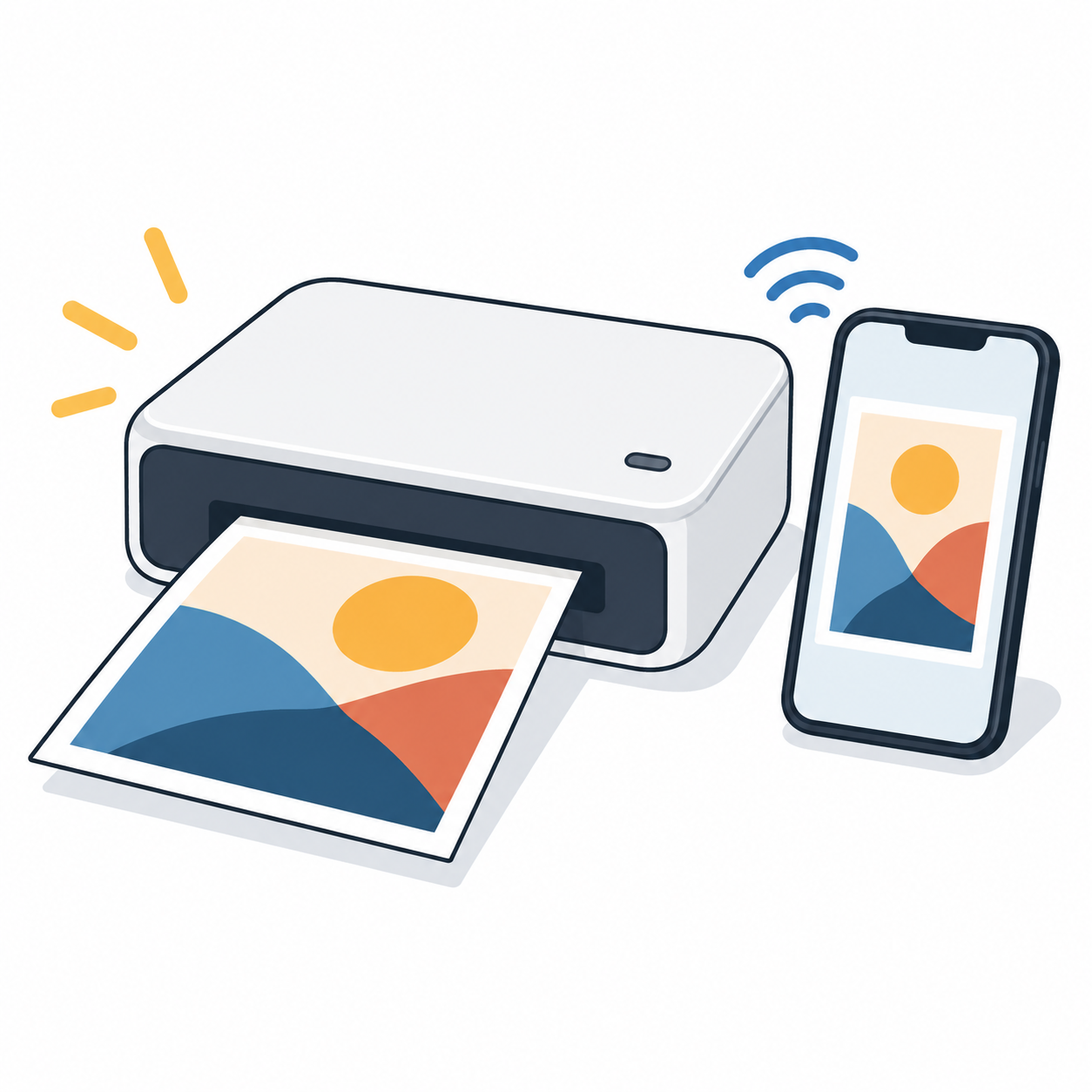
The KODAK Dock Plus 4×6 Photo Printer is aimed at buyers who want physical 4×6 prints directly from a compatible smartphone. The linked Amazon India listing describes smartphone docking, Bluetooth connectivity, 4PASS printing and a bundle with 50 sheets. Treat those as listing claims and verify the exact bundle, consumables and supported devices before ordering.
Affiliate disclosure: APICSTOCK may earn from qualifying purchases at no additional cost to you. Amazon and the selected seller control price, stock, delivery, returns and warranty terms.
1. Confirm phone and app compatibility
Check whether your current iPhone or Android device is supported by the printer, dock connection and companion app. Do not assume every connector generation, phone case or operating-system version will work the same way. If docking matters to you, confirm the physical connector and charging arrangement shown for the exact variant.
2. Understand the 4×6 print format
This model is positioned for 4×6 photo printing, so compare that output size with what you actually want to print. It is not a substitute for an A4 document printer, label printer or larger-format photo printer. If your main job is office paperwork or shipping labels, compare a different printer category.
3. Check the consumable bundle
Verify exactly how many sheets and how much printing ribbon or cartridge material are included in the selected offer. Photo-printer bundles can differ. The headline mention of 50 sheets does not mean every seller or variant includes the same consumable quantity.
4. Calculate ongoing cost per print
Before buying, check the current replacement-media price and divide it by the number of prints in that pack for a rough cost-per-print comparison. Include delivery charges where applicable. The printer purchase price alone does not show the long-term ownership cost.
5. Treat durability claims as listing claims
The marketplace title mentions resistance to water, fingerprints and fading. Those statements should be checked against the manufacturer information for the exact media and printing process. APICSTOCK has not independently lab-tested the finished prints.
6. Check seller, warranty and returns
Review the current seller, fulfilment method, invoice availability, delivery estimate, return or replacement eligibility and warranty process for your PIN code. Recheck these at checkout because they may change independently of the product specifications.
7. Match the printer to your actual use
This type of printer may suit family photos, event prints, scrapbooks and small creative projects where a physical 4×6 print is the goal. For higher-volume business work, compare consumable cost, print speed and workflow before deciding.
Useful APICSTOCK links
Check the current KODAK Dock Plus 4×6 Photo Printer offer on Amazon India
Last reviewed by APICSTOCK: 12 October 2026. Re-check the exact model, included media, seller and final payable amount before purchase.